Manual Técnico Oficial Bambu Lab A1 • Série Bed-Slinger A1
Fix the AMS lite filament Hub/4-in-1 PTFE Adapter not holding the PTFE Tube
Documentação Técnica Oficial Restaurada • 3D Centro Oeste
In this guide, we will show how to fix the AMS Lite filament Hub/4-in-1 PTFE Adapter cannot hold the PTFE Tube
Video guide
When to use?
This guide is intended for use when the AMS lite filament hub or Bambu 4-in-1 PTFE adapter cannot hold the PTFE tube.
Tools and materials needed
A flat tweezer
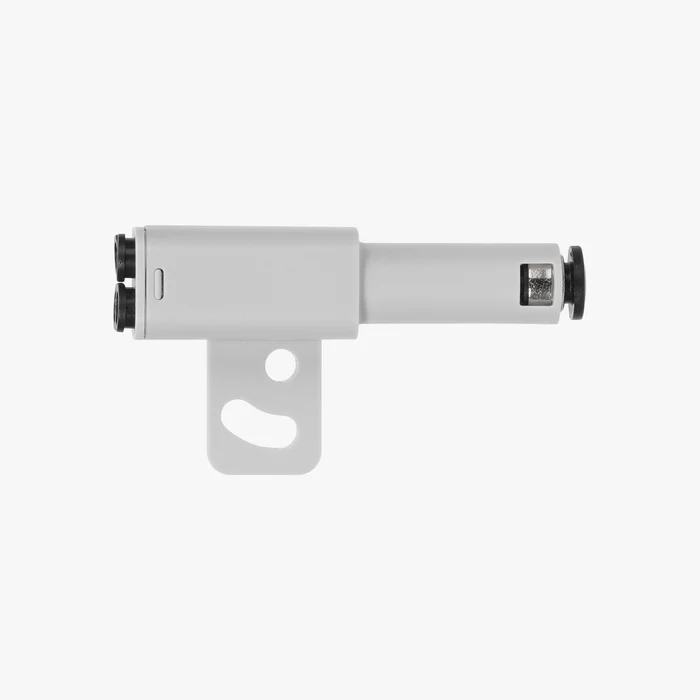
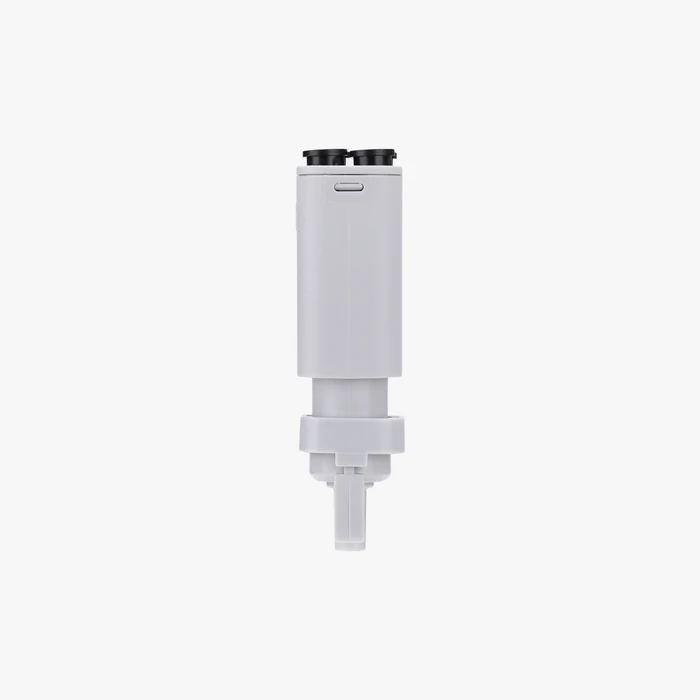
AMS Lite filament Hub/4-in-1 PTFE Adapter
5-10 minutes of your time
Aviso de Segurança
IMPORTANT!
It’s crucial to power off the printer before conducting any maintenance work, including work on the printer’s electronics and tool head wires. Performing tasks with the printer on can result in a short circuit, leading to electronic damage and safety hazards.
During maintenance or troubleshooting, you may need to disassemble parts, including the hotend. This exposes wires and electrical components that could short circuit if they contact each other, other metal, or electronic components while the printer is still on. This can result in damage to the printer’s electronics and additional issues.
Therefore, it’s crucial to turn off the printer and disconnect it from the power source before conducting any maintenance. This prevents short circuits or damage to the printer’s electronics, ensuring safe and effective maintenance. For any concerns or questions about following this guide, open a new ticket in our Support Page and we will do our best to respond promptly and provide the assistance you need.
Disassemble the AMS Lite Filament Hub
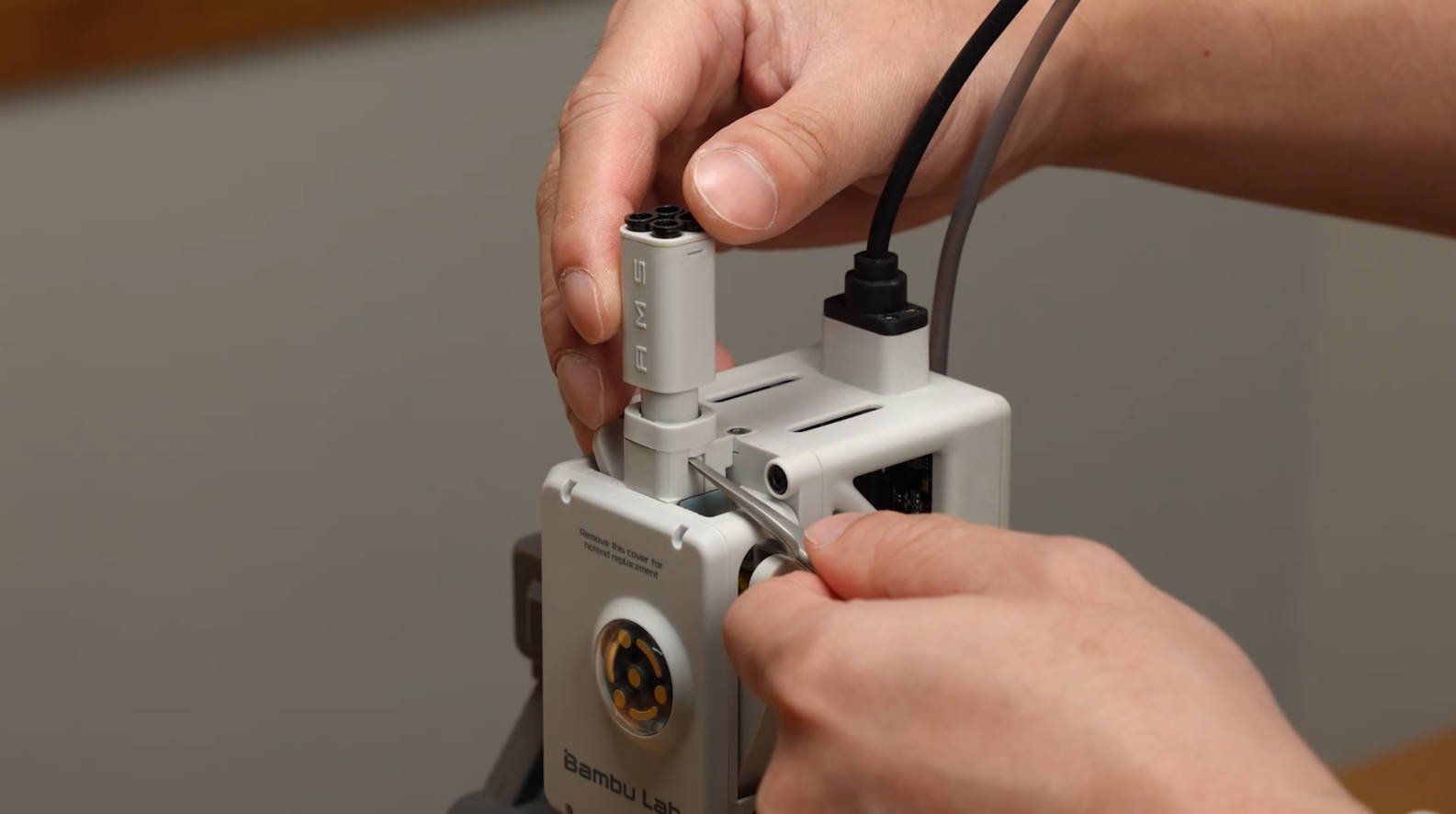
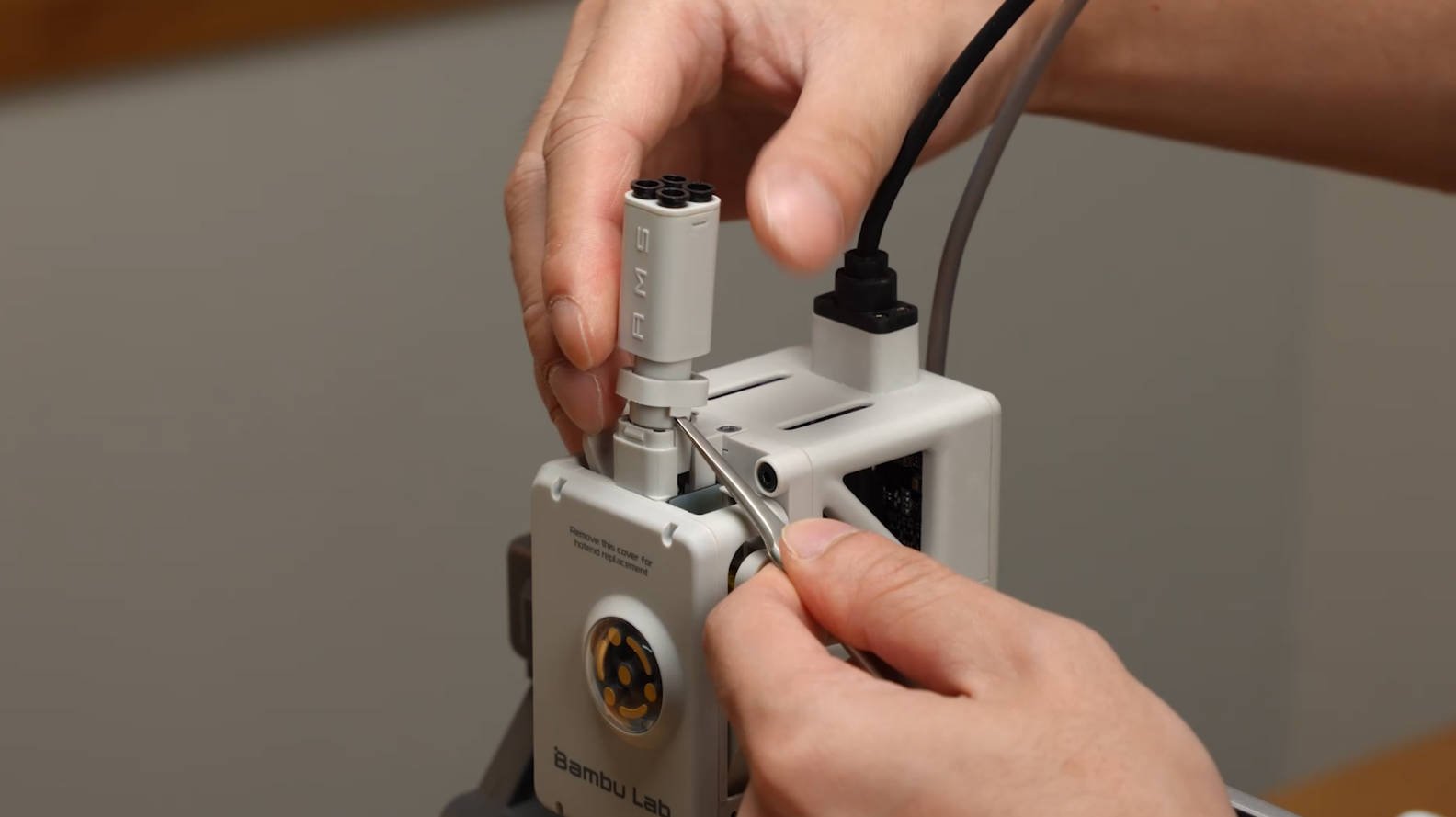
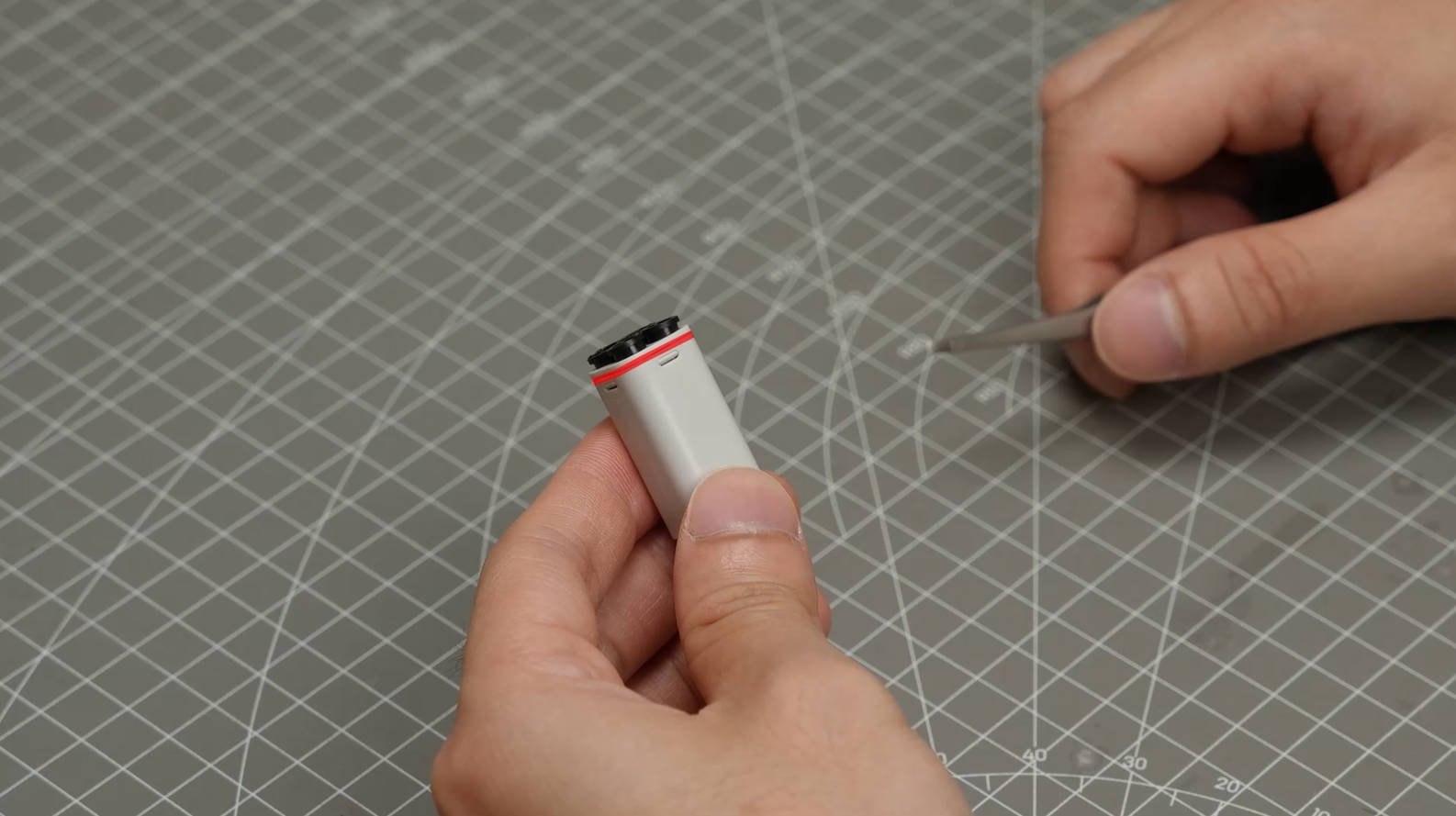
1. Use a flat tweezer to pry open the clip and remove the filament hub
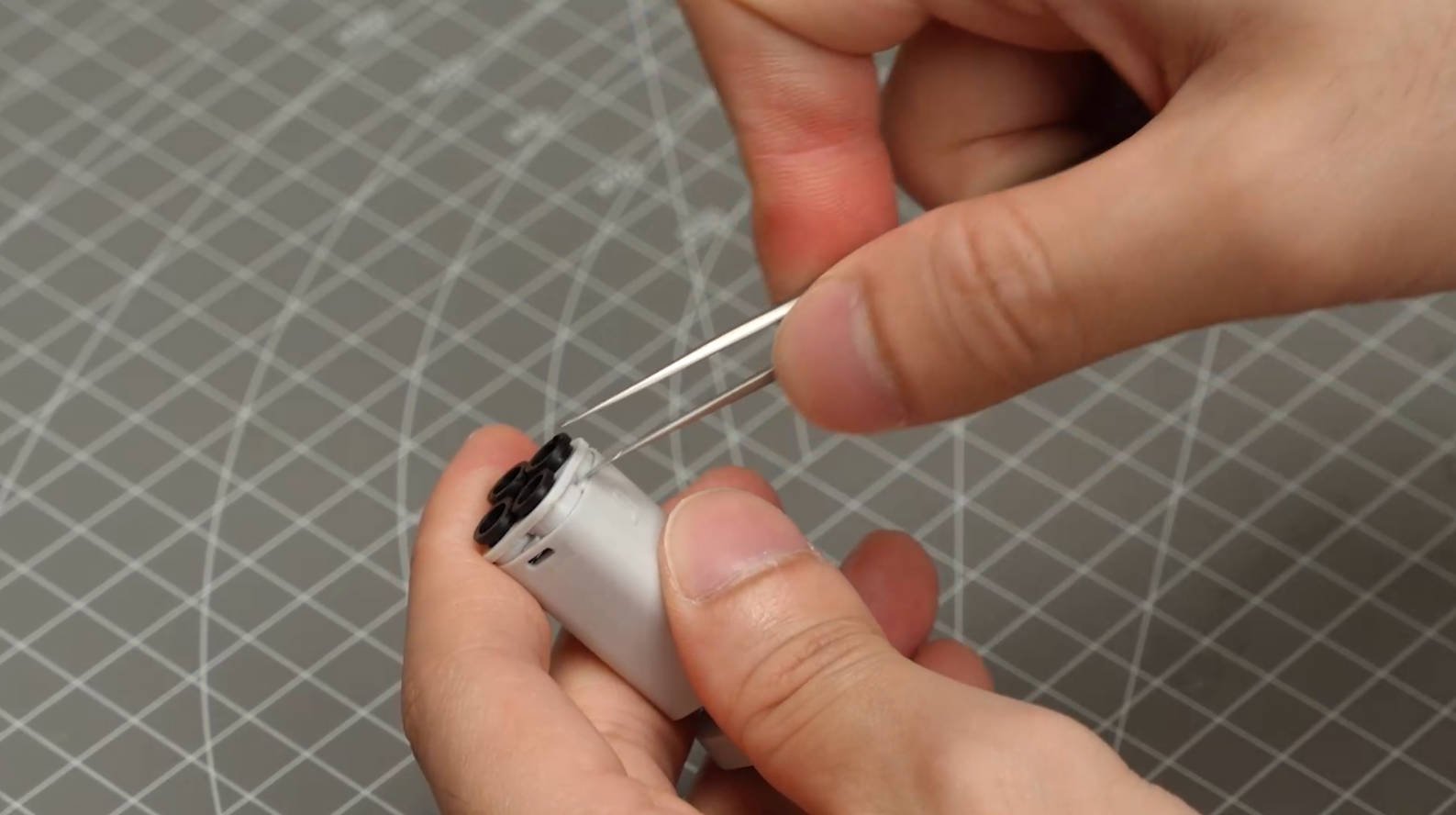
2. Use the flat tweezer to pry open the cover.
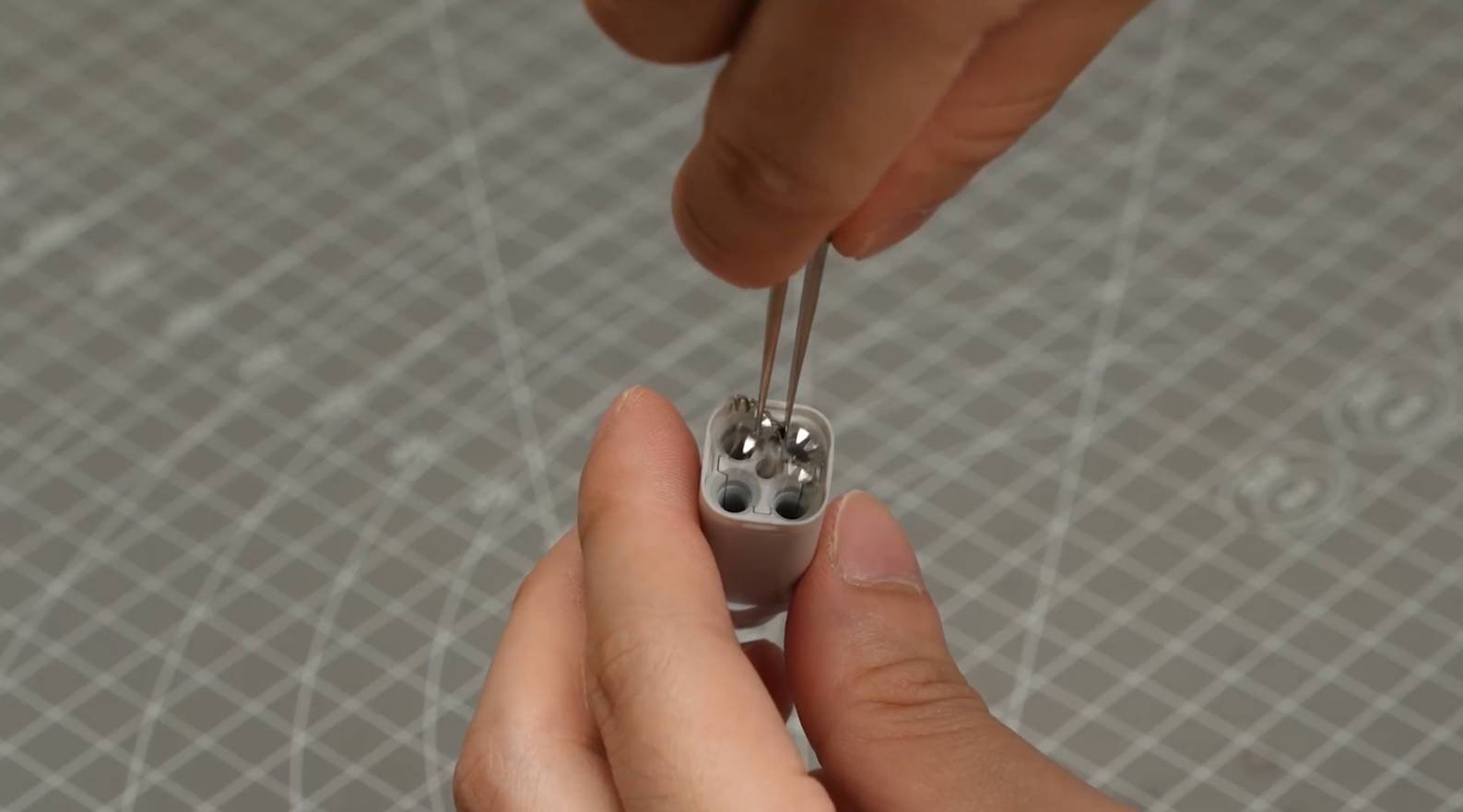
3. Carefully take out the spring piece.
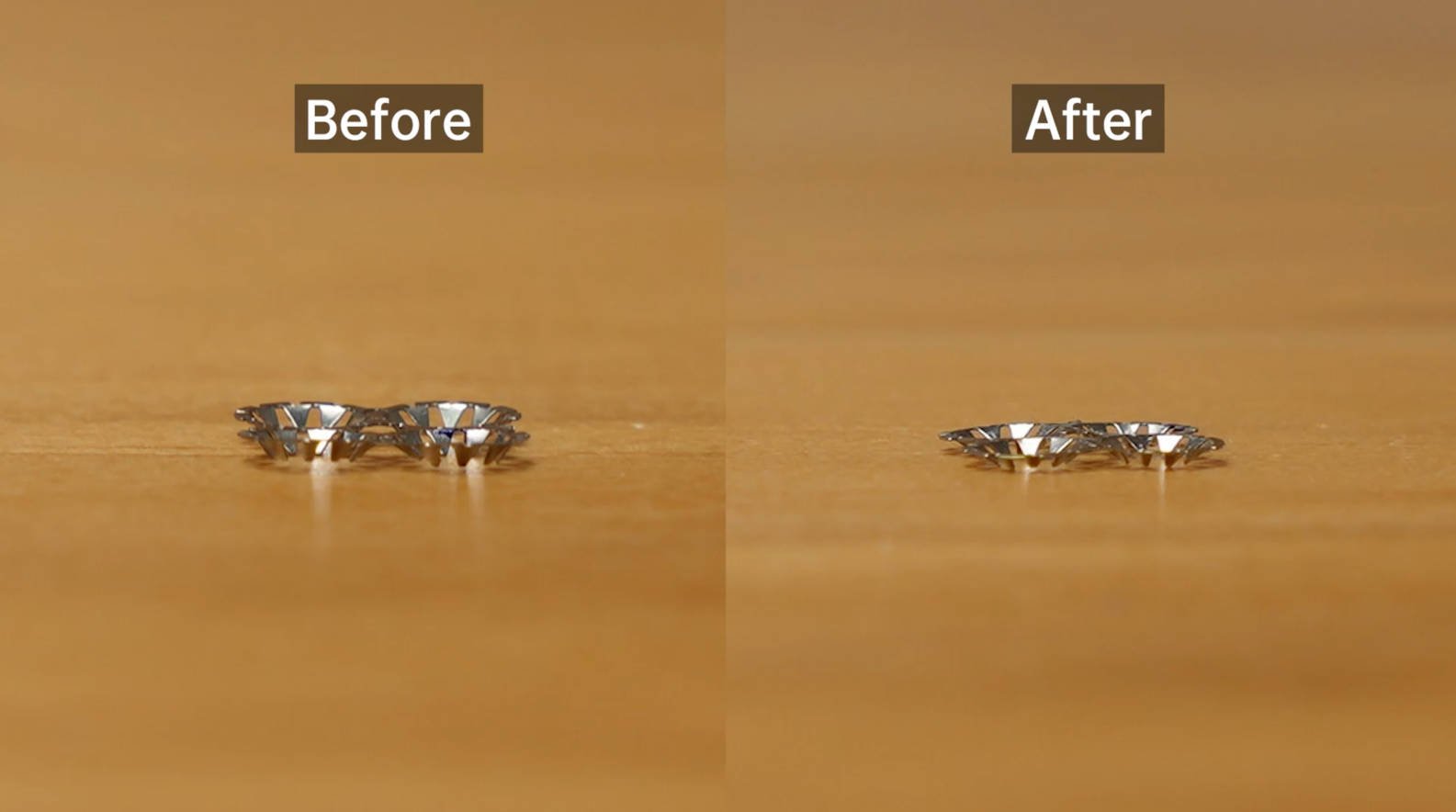
Fix the metal spring piece
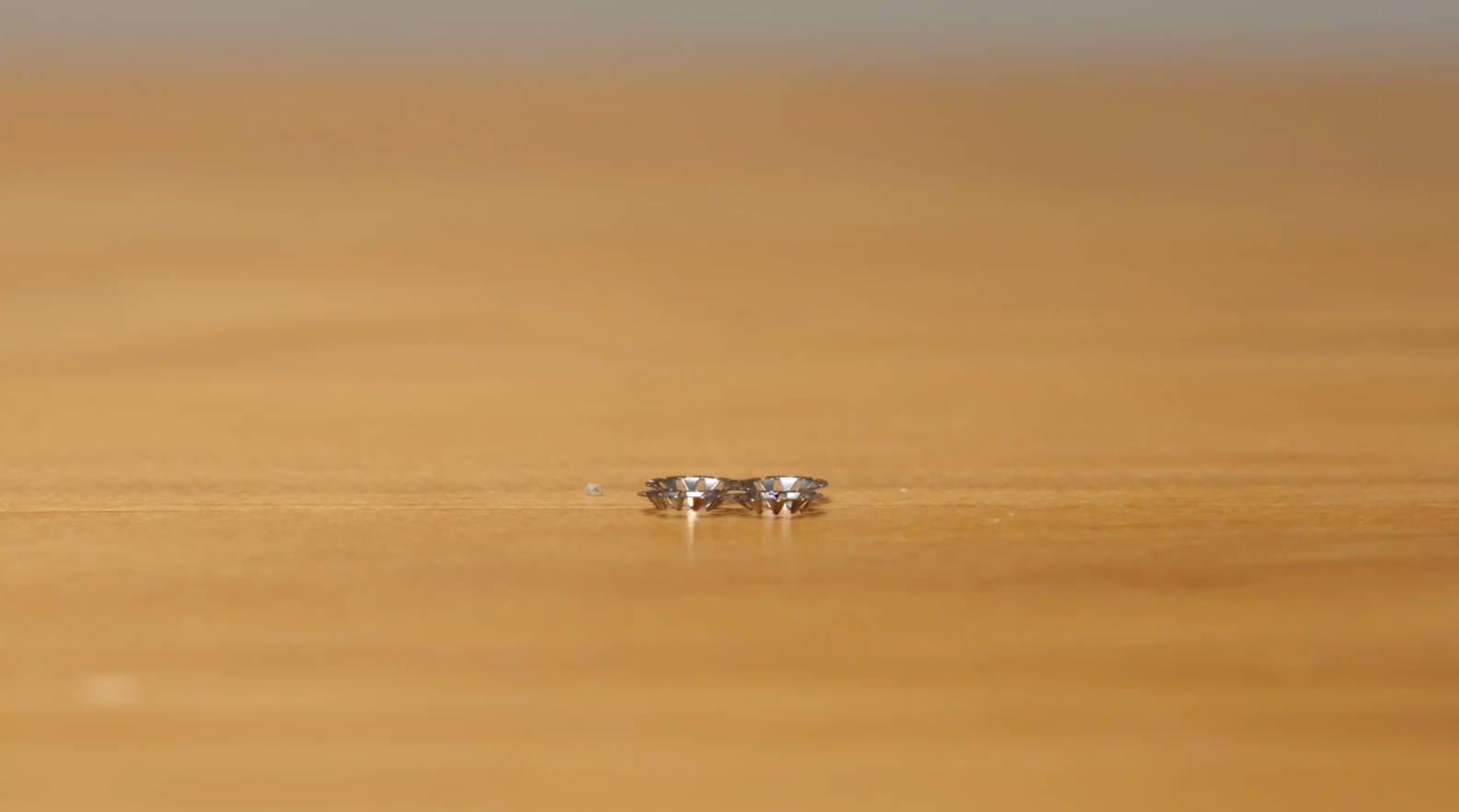
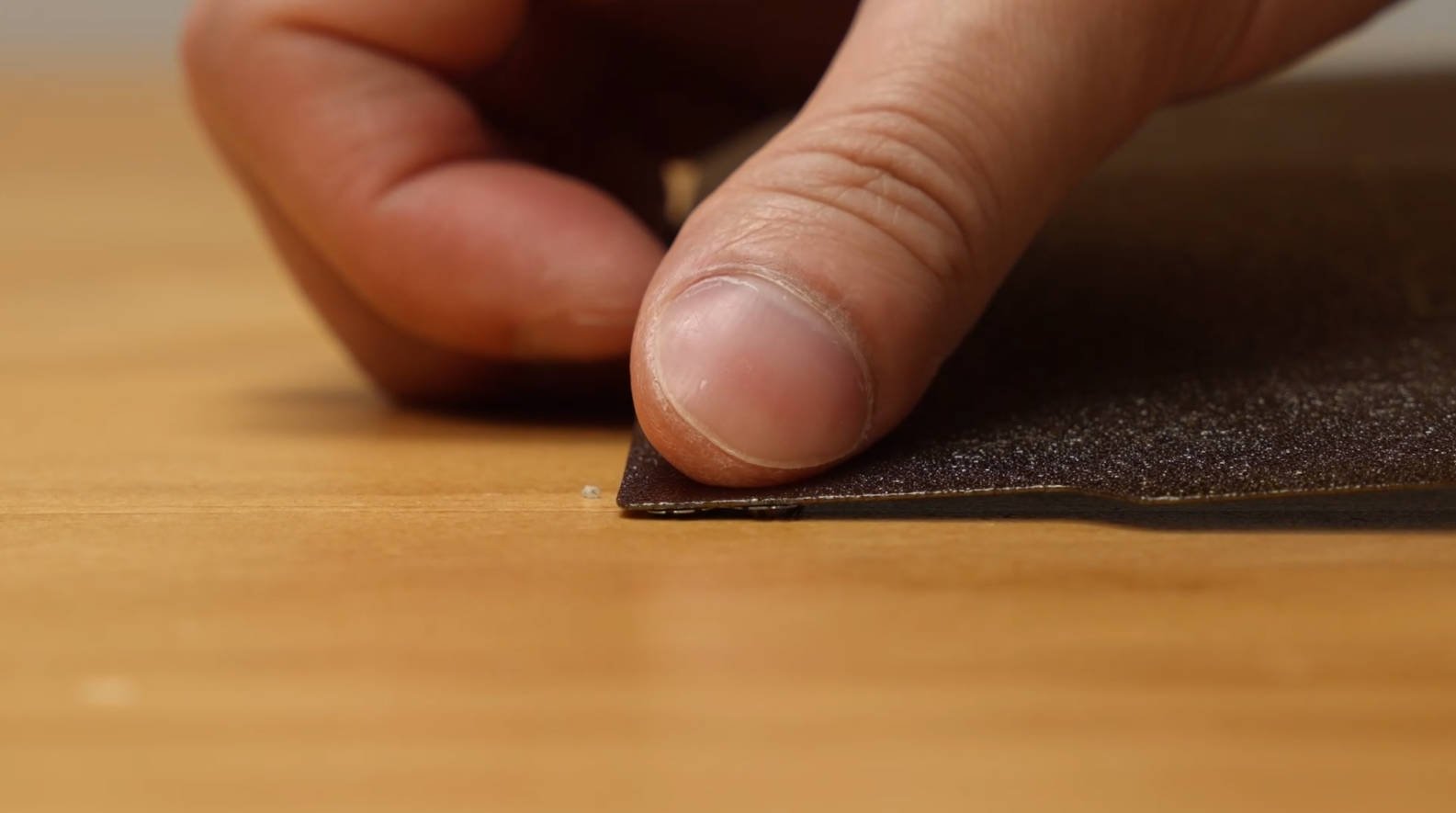
1. Place the teeth on the surface to avoid damaging the build plate in later operations
2. Gently press the spring piece with the build plate
Before repair (left); after repair (right)
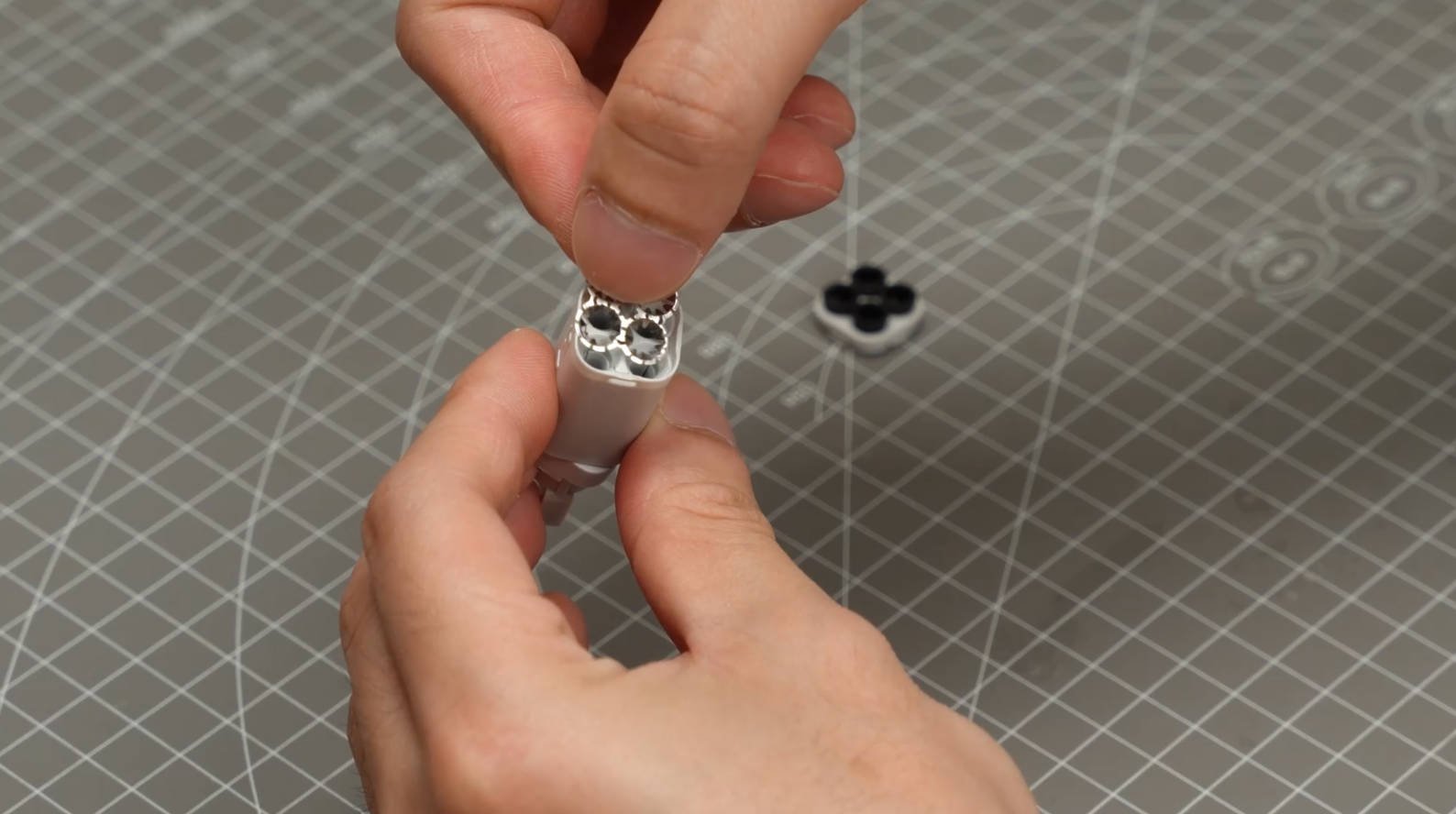
Reassemble the AMS Lite hub
1. Put the spring piece back.
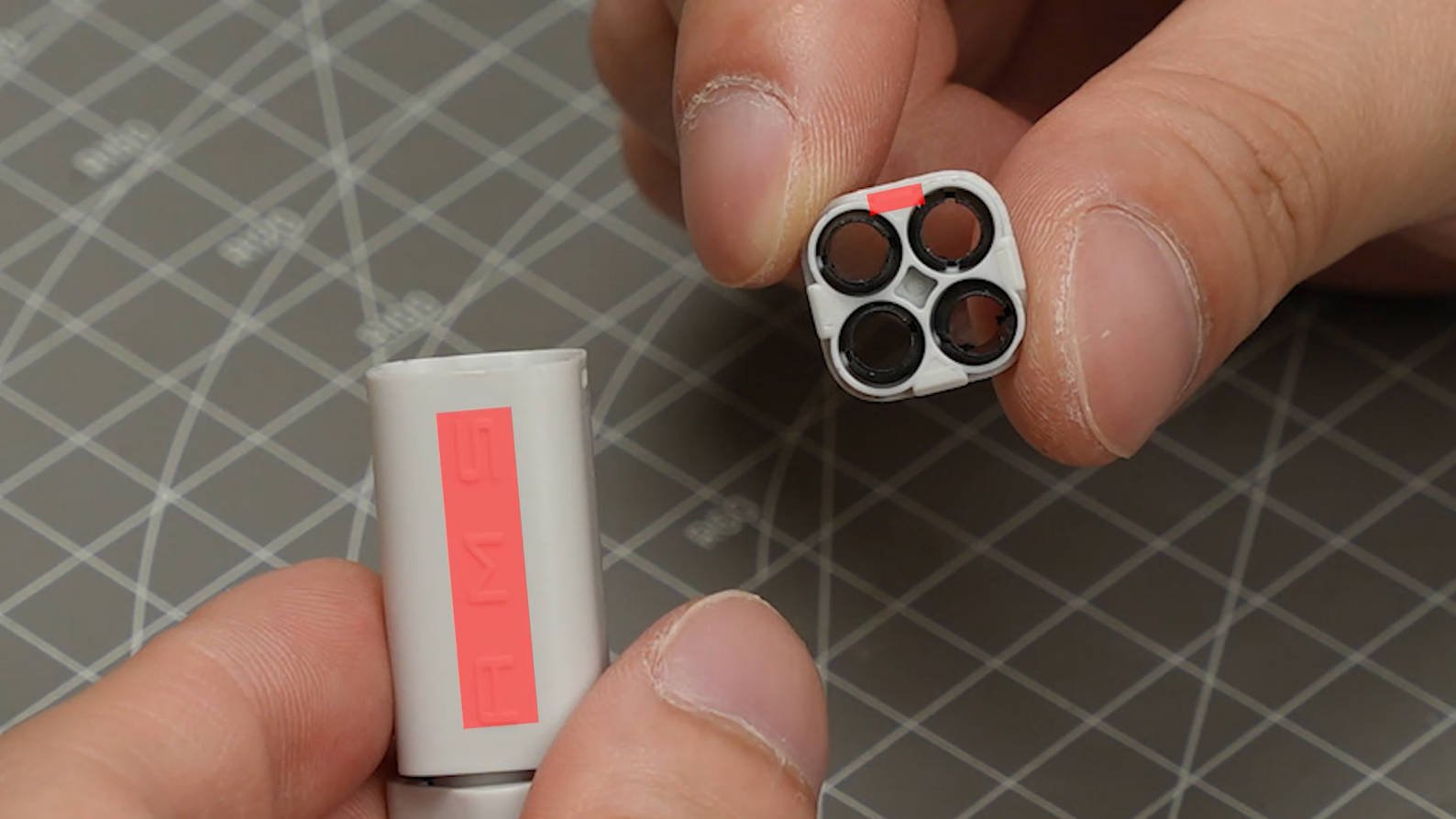
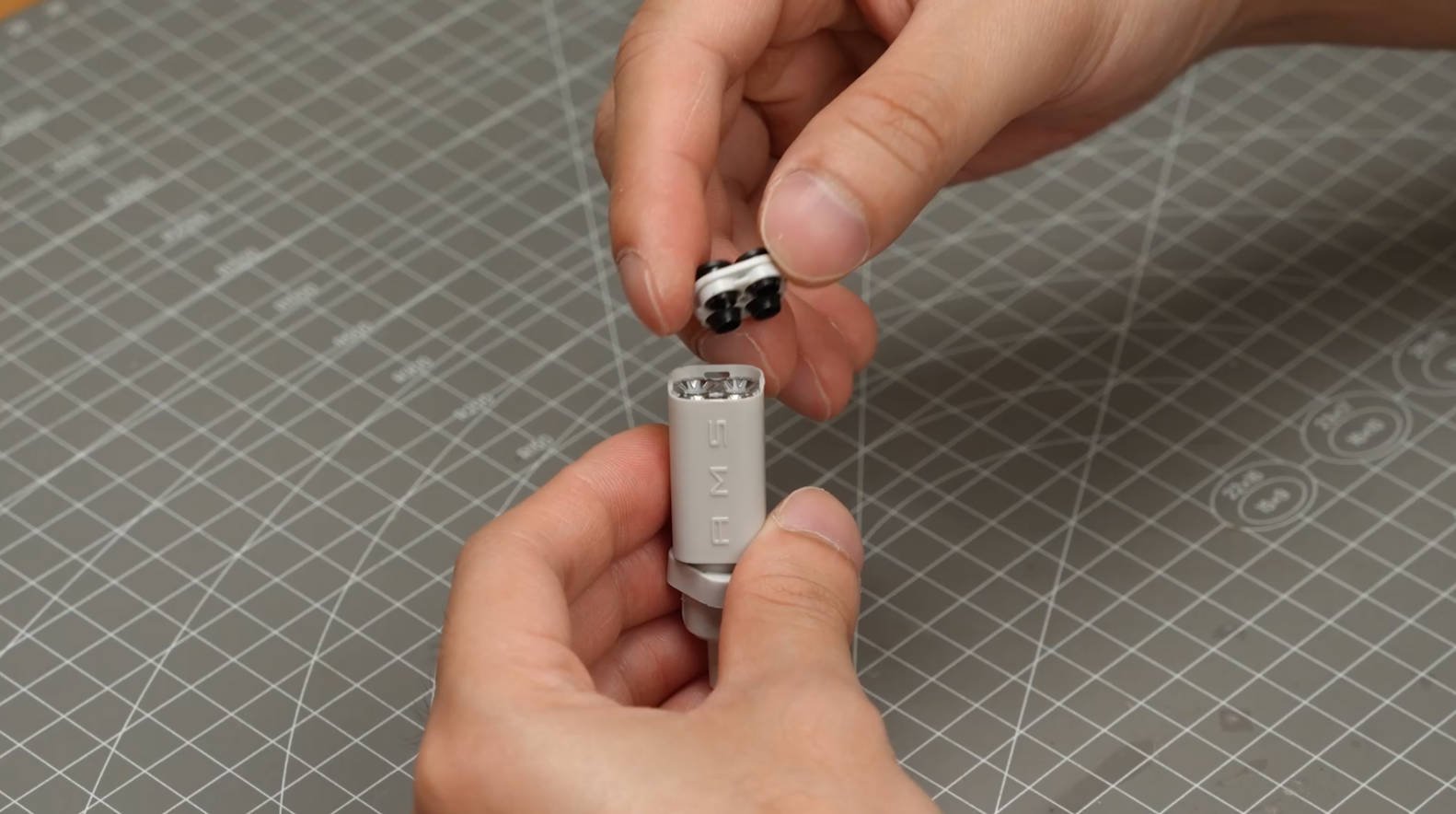
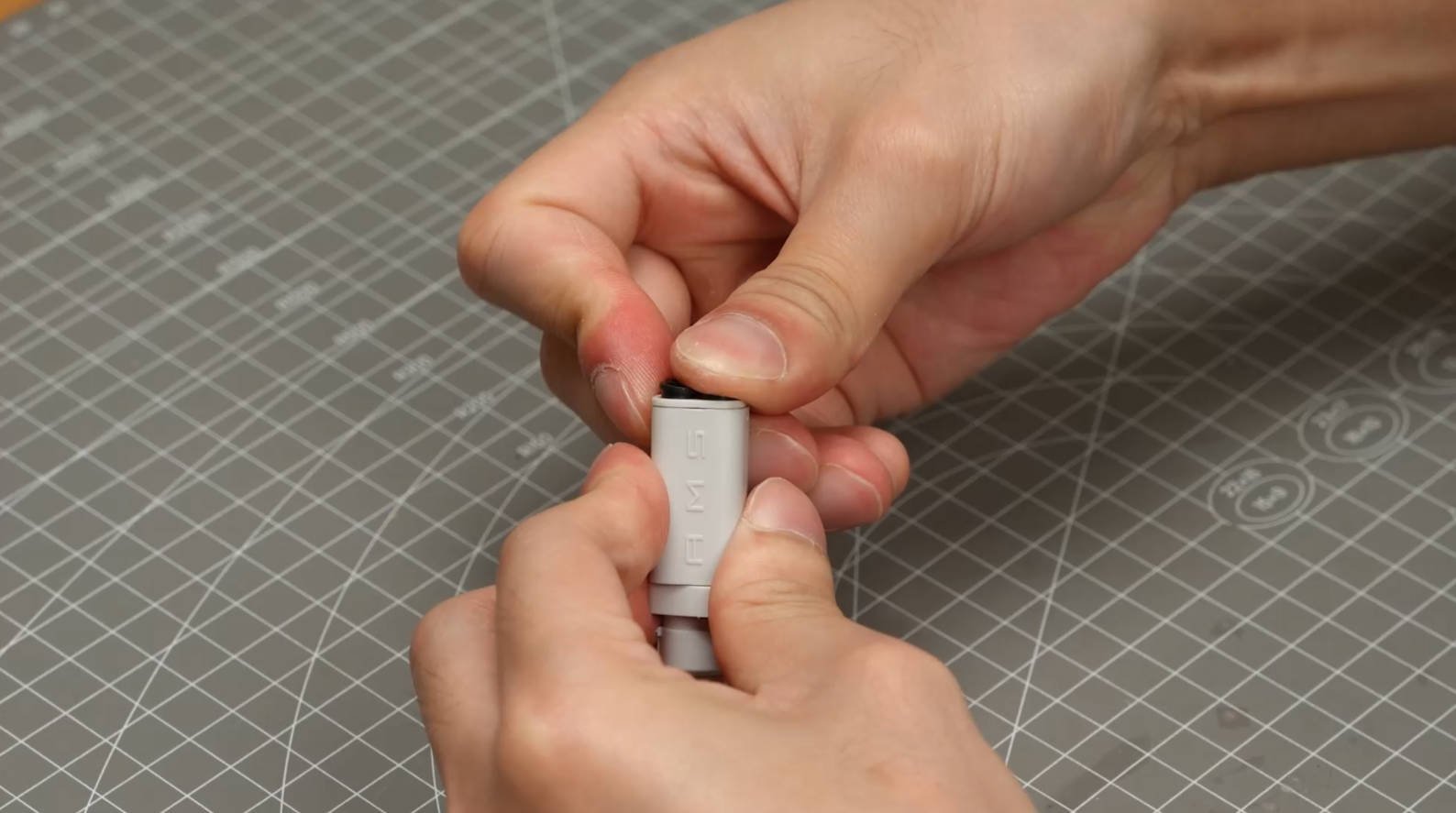
2. Align the shorter clip to the front of the filament hub. Click the cover in place.
Special note for 4-in-1 PTFE Adapter:
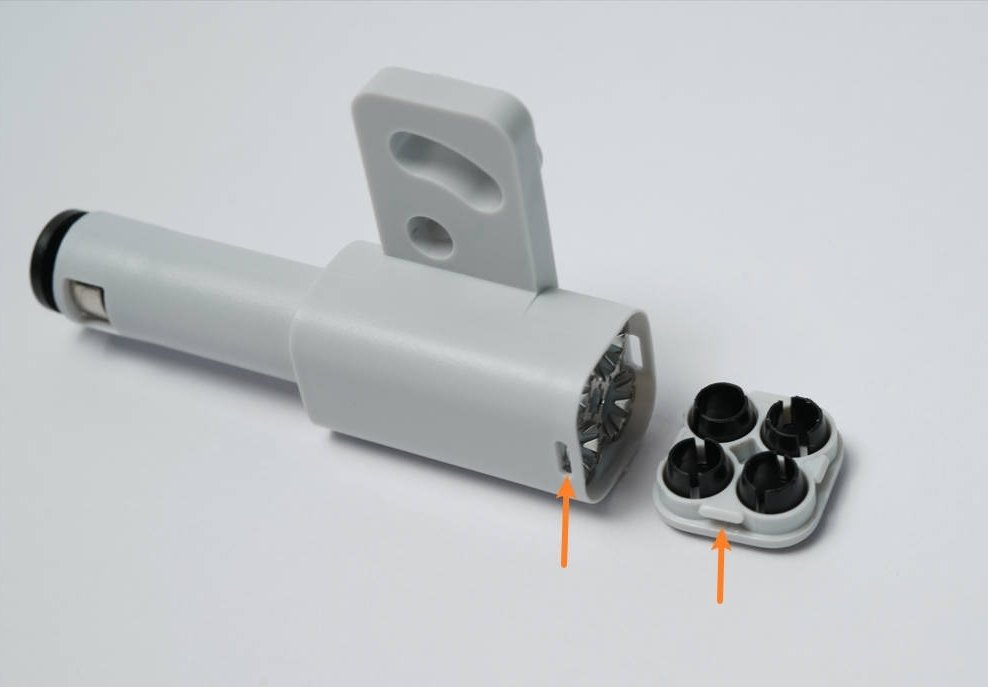
For the Adapter, the main reference is how to use tweezers to pry open the cover and repair the spring pieces. When reassembling the cover, there is a slight difference compared to the AMS lite filament hub – it requires aligning the 2 long hooks with the 2 slots on the main body and then pressing down to lock it in place, as shown in the figure.
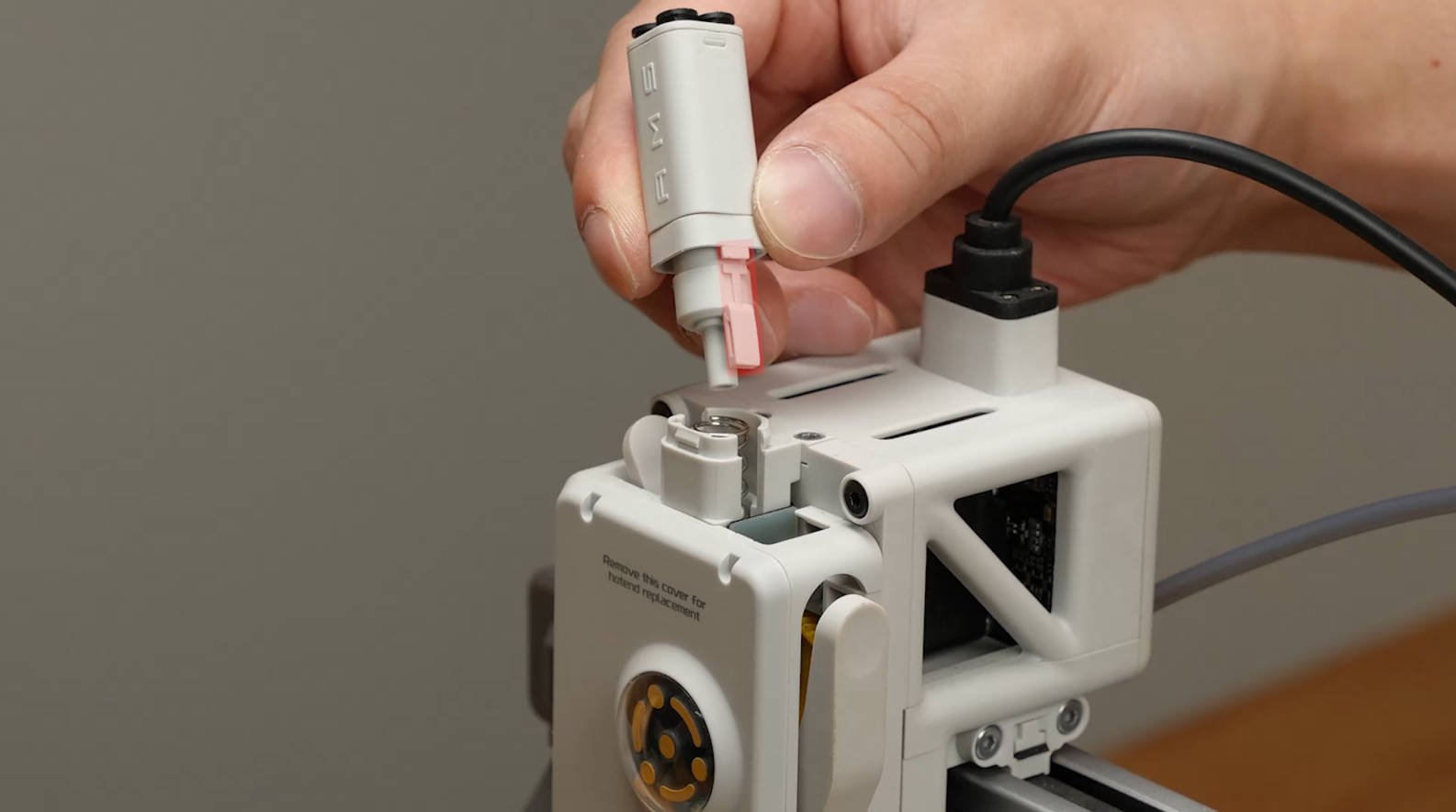
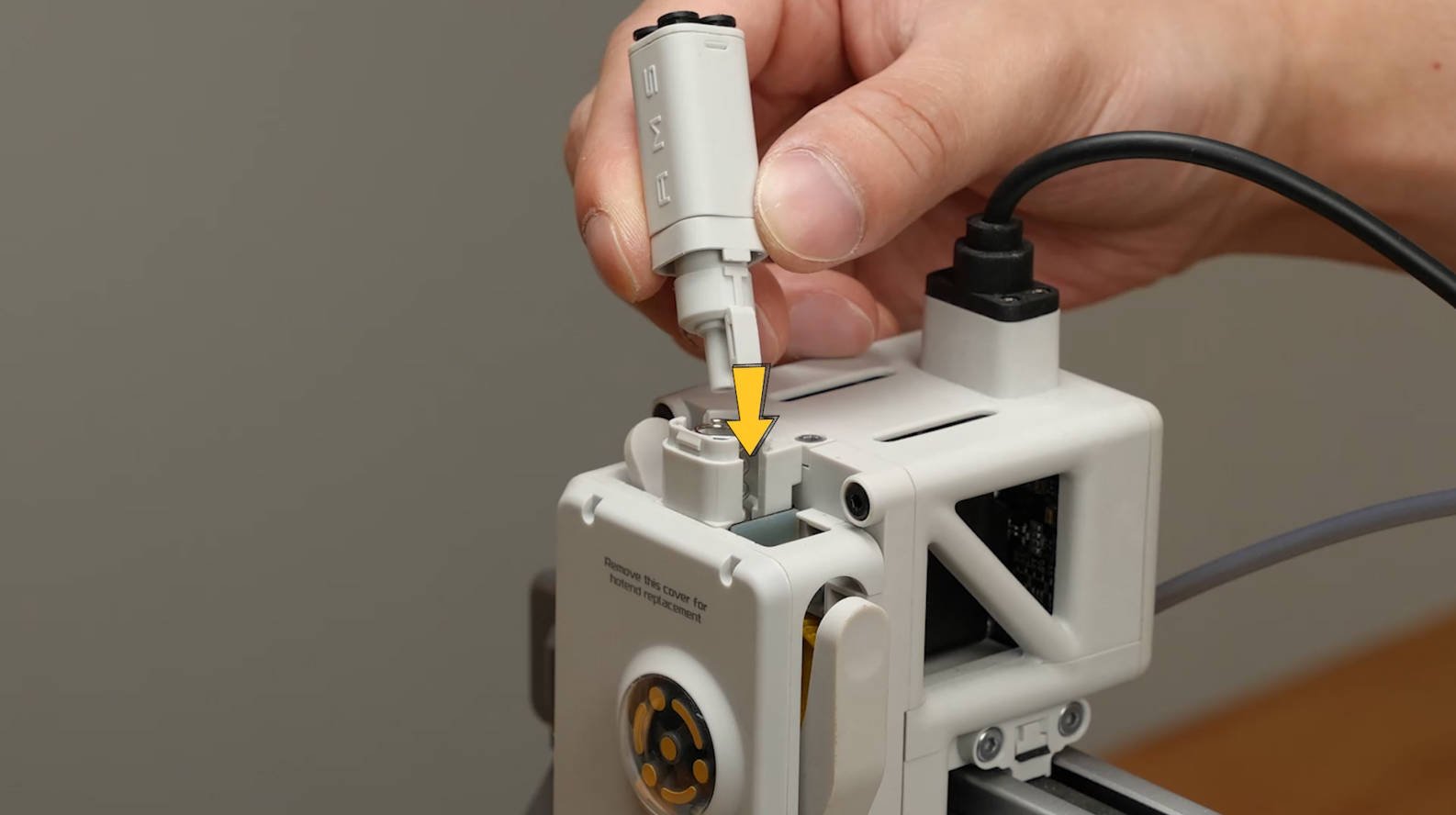
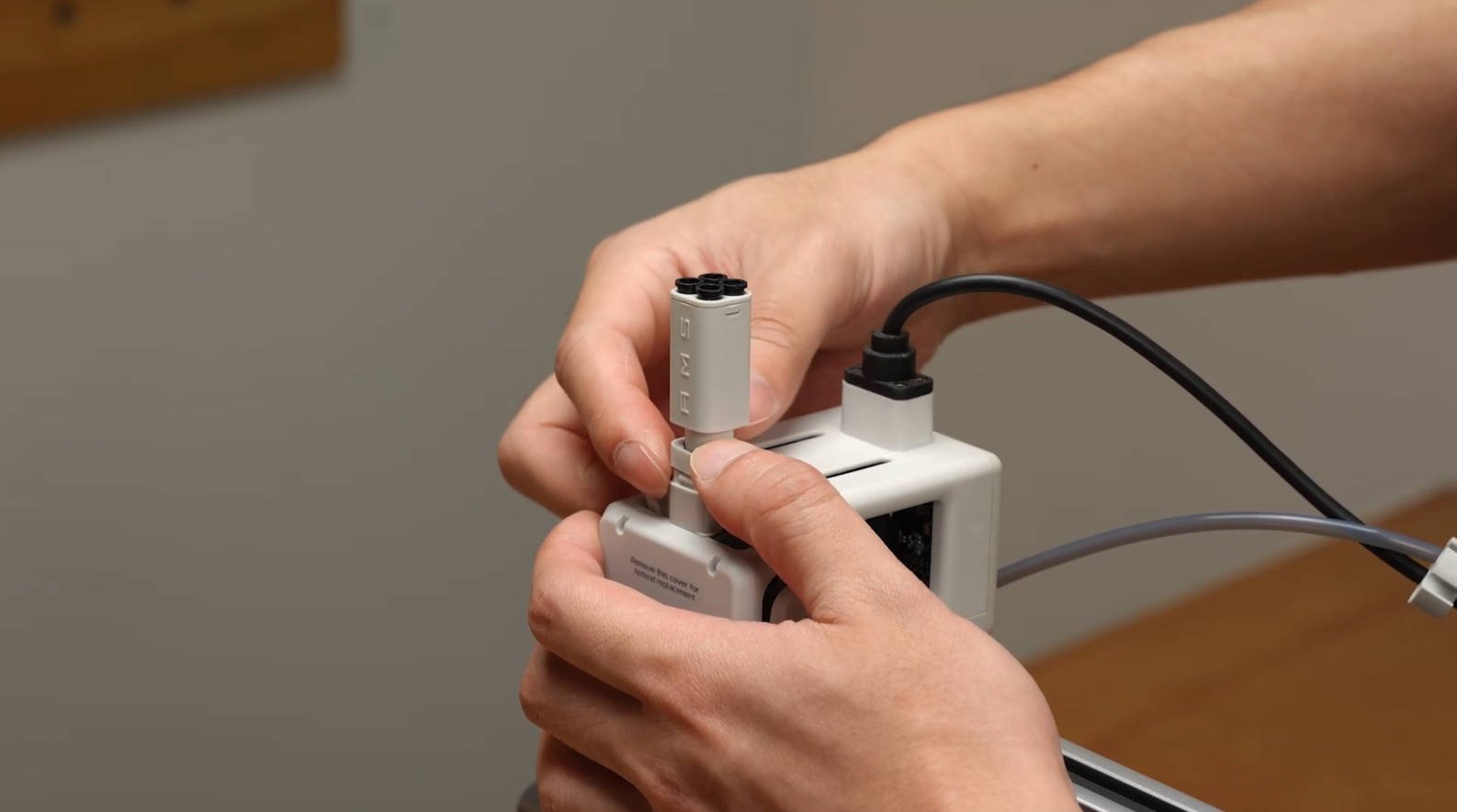
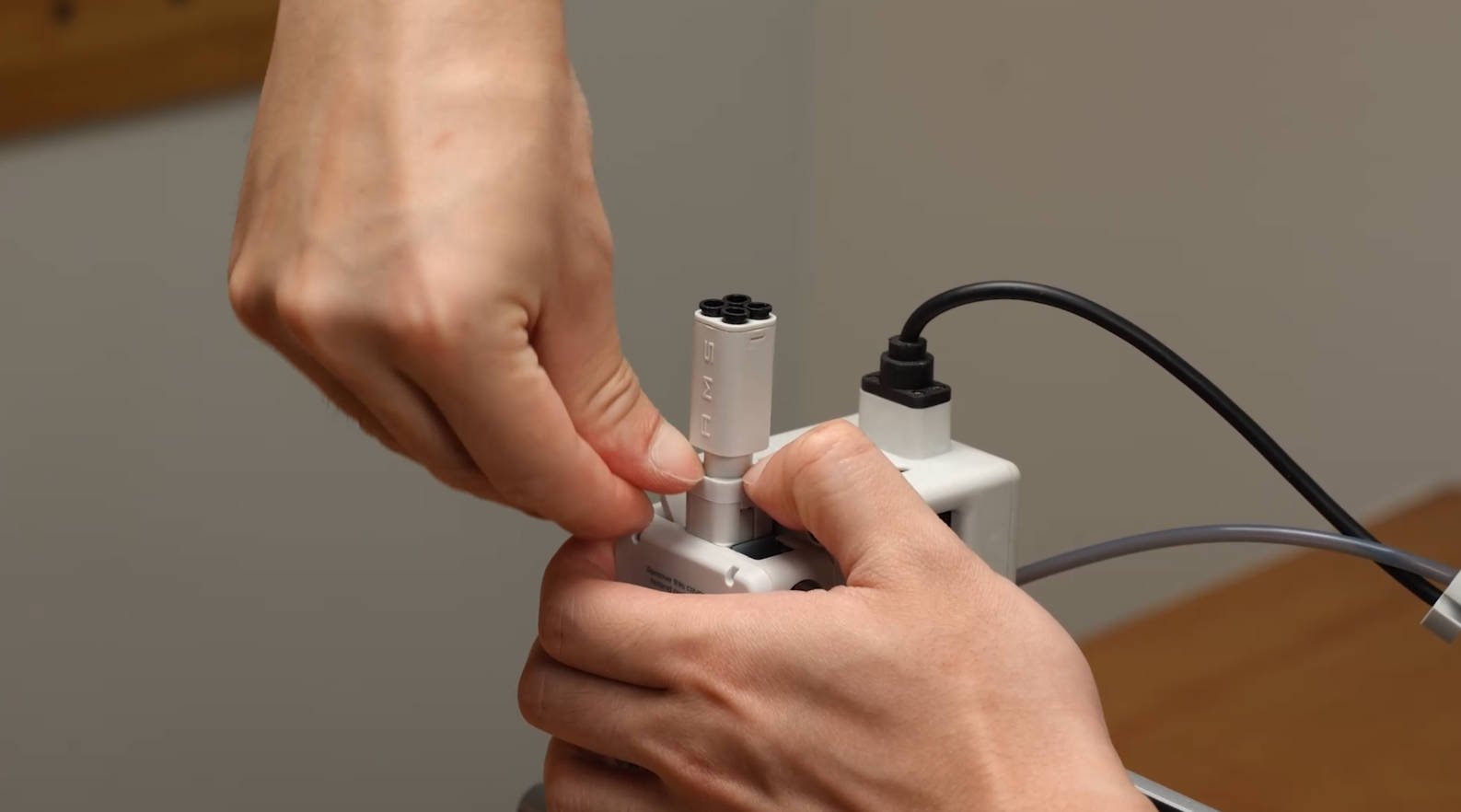
3. Align the clip to the slot on the side of the toolhead.
Notas Finais
Esperamos que o guia detalhado fornecido tenha sido útil e informativo.
To ensure a safe and effective execution, if you have any concerns or questions about the process described in this article, we recommend submitting a chamado técnico relatando o seu problema.
Por favor, inclua uma foto ou vídeo ilustrando o problema ao enviar o chamado técnico.
Por favor, digite seu nome de usuário ou endereço de e-mail. Você receberá um link para criar uma nova senha via e-mail. Lembra-te agora? Back para login de