Cold Pull Manutenção Hotend e Bico
Bambu Lab P2S • Série Performance P2
Cold Pull Manutenção Hotend e Bico
Nozzle clogs are a somewhat common occurrence within the 3D Printing realm, so chances are that at some point you will encounter them.
Clogs can happen for a few different reasons, like for example, the temperature of the hotend is not high enough to ensure the plastic melts quickly enough while being extruded, or maybe the filament you use could have microscopic particles (like types of wood filament or other infused filaments) that would gather at the tip of the nozzle restricting the flow.
The symptoms are fairly easy to diagnose as these will show themselves through:
-
Under extrusion (not enough plastic is being extruded, resulting in gaps around the printed model)
-
No extrusion (the printer is doing the right moves, but no filament is coming out of the nozzle)
If a clog, extrusion issue, or printer error occurs during an active print job, do not start this maintenance procedure while the print is still running. In most cases, you should first pause or cancel the current print, then perform the unclogging steps below.
Notes before you start
Please note that some of the operations within this guide could be hazardous if not performed with care as they involve high nozzle temperatures. Please take all precautions necessary when performing these tasks. For some of these procedures, the machine should be powered off and the nozzle should be completely cooled down for most of these procedures.
When it is necessary to hold the hotend in your hand, please wear an oven glove and make sure that the floor or tabletop below the hotend is free of flammable materials or furniture or flooring that can be easily damaged by the heat.
Required Tools
To resolve most clogging issues, you may need the following tools:
- Cleaning needle
- Pliers
- Heat-resistant gloves
- A piece of filament

Video Guide
Operating Instructions
1. Unclogging with a Cleaning Needle
❗ Warning: Always wear heat-resistant gloves and keep your head and face away from the printer during this operation. The nozzle is extremely hot, and pressure built up behind the clog can cause molten filament to spray out suddenly.
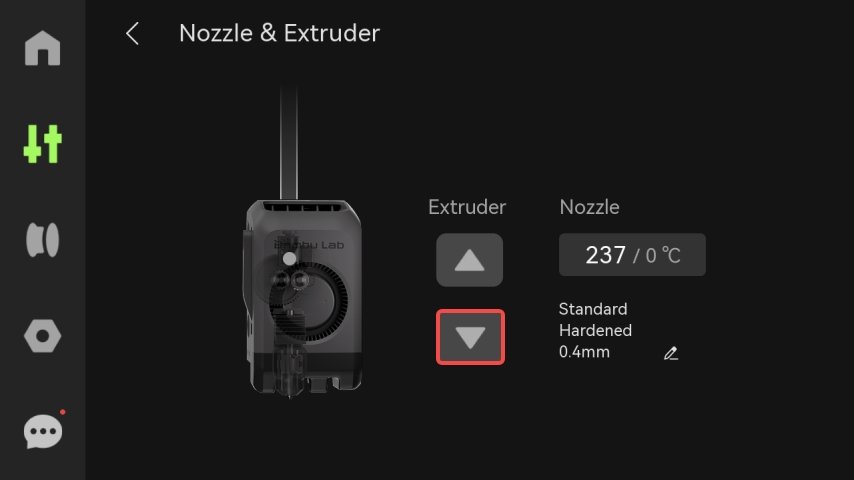
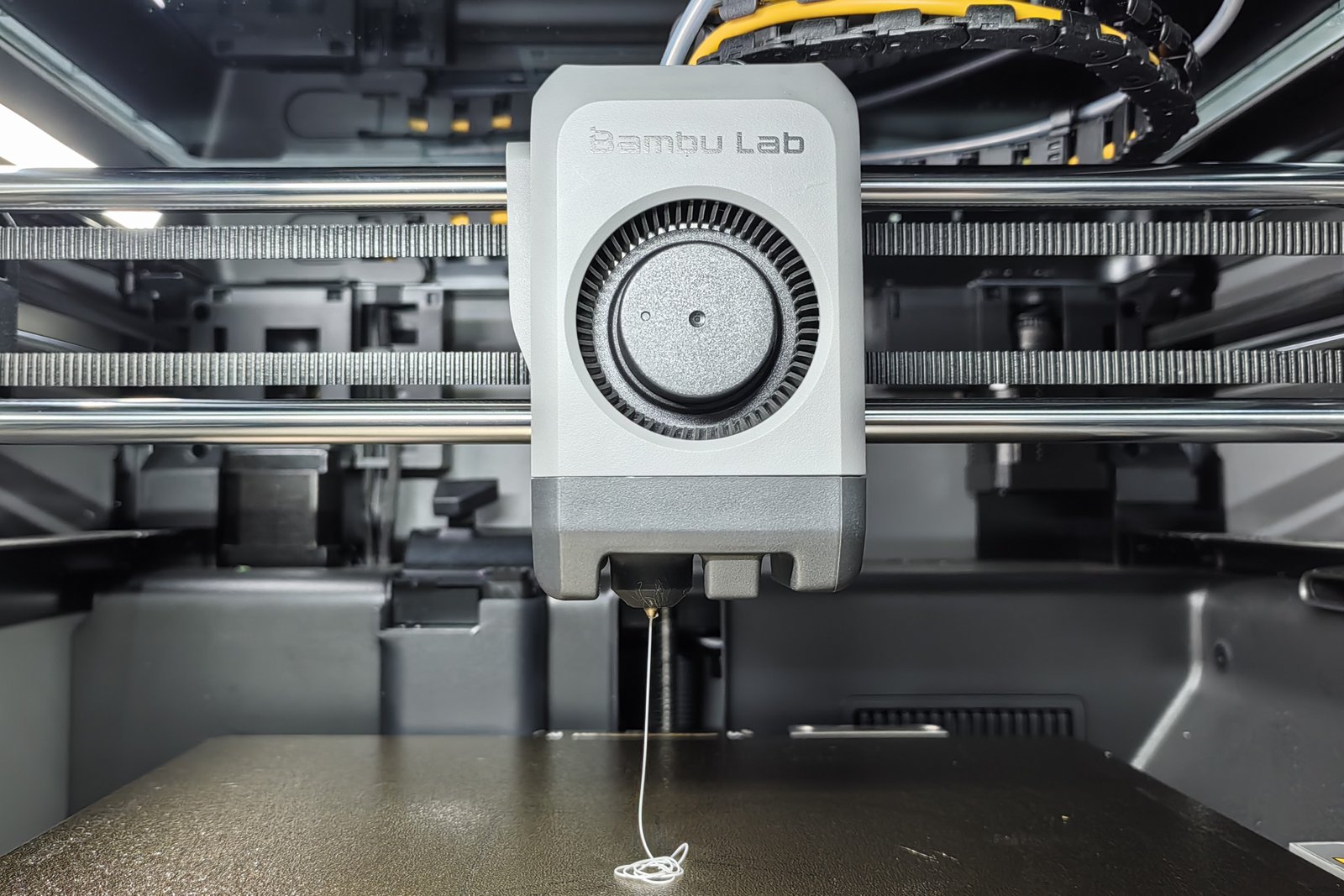
If the nozzle cannot extrude any filament, it is recommended to use the cleaning needle for unclogging and perform a cold pull.
Using PLA as an example, wait until the nozzle temperature reaches 220 ℃, then insert the cleaning needle into the nozzle and move it up and down several times.

Then, while nozzle is still hot, remove the nozzle, use the needle to push the remaining filament out, pull out the filament with pliers, remove the needle, and reinstall the nozzle.

After unclogging, try manually extrude the filament.Set the hot end temperature above the recommended temperature of the filament and try manual extrusion to observe whether the filament is extruded normally.If extrusion still fails, proceed with the cold pull steps below.
2. Cold Pull
The printer provides a nozzle cold-pull maintenance function to assist you with this process.
Here, we will take PLA as an example.
Go to the Toolbox page and click “Nozzle Cold Pull Maintenance.” Select the cold-pull parameters based on the nozzle size and the type of residual filament inside the nozzle.
In this case, the nozzle size is 0.4 mm, residual filament is PLA, and the cold-pull filament is PLA. After confirming the parameters, click Start.

Follow the prompt to hang the front cover assembly on the X-axis. Press the black pneumatic fitting and remove the PTFE tube.


Insert filament into the extruder until it cannot be pushed further.


The printer will automatically grip the filament, heat the nozzle, and begin flushing. Once the extruded filament has completely changed to the newly loaded filament, the nozzle will start cooling.

After the nozzle cools down, slowly pull out the filament as instructed by the printer.


Check the end of the filament for any residual debris. Once the cold pull is successful, click Finish, then reinstall the PTFE tube and the front cover assembly.

Verifying Nozzle Condition
Reinstall the nozzle, reconnect the PTFE tube, and reload the filament to test extrusion. If the nozzle is still clogged or extrusion is insufficient, repeat the cleaning process several times.
These methods typically remove 99% of blockages. However, in some cases, the nozzle may be completely clogged or damaged — in such situations, it is recommended to replace the nozzle assembly.
If, after performing these steps, your printer feeds and prints normally, congratulations — you have successfully unclogged the nozzle.
Notas Finais
Esperamos que o guia detalhado fornecido tenha sido útil e informativo.
If this guide does not solve your problem, please submit a chamado técnico, we will answer your questions and provide assistance.
If you have any suggestions or feedback on this Wiki, please leave a message in the comment area. Thank you for your support and attention!